

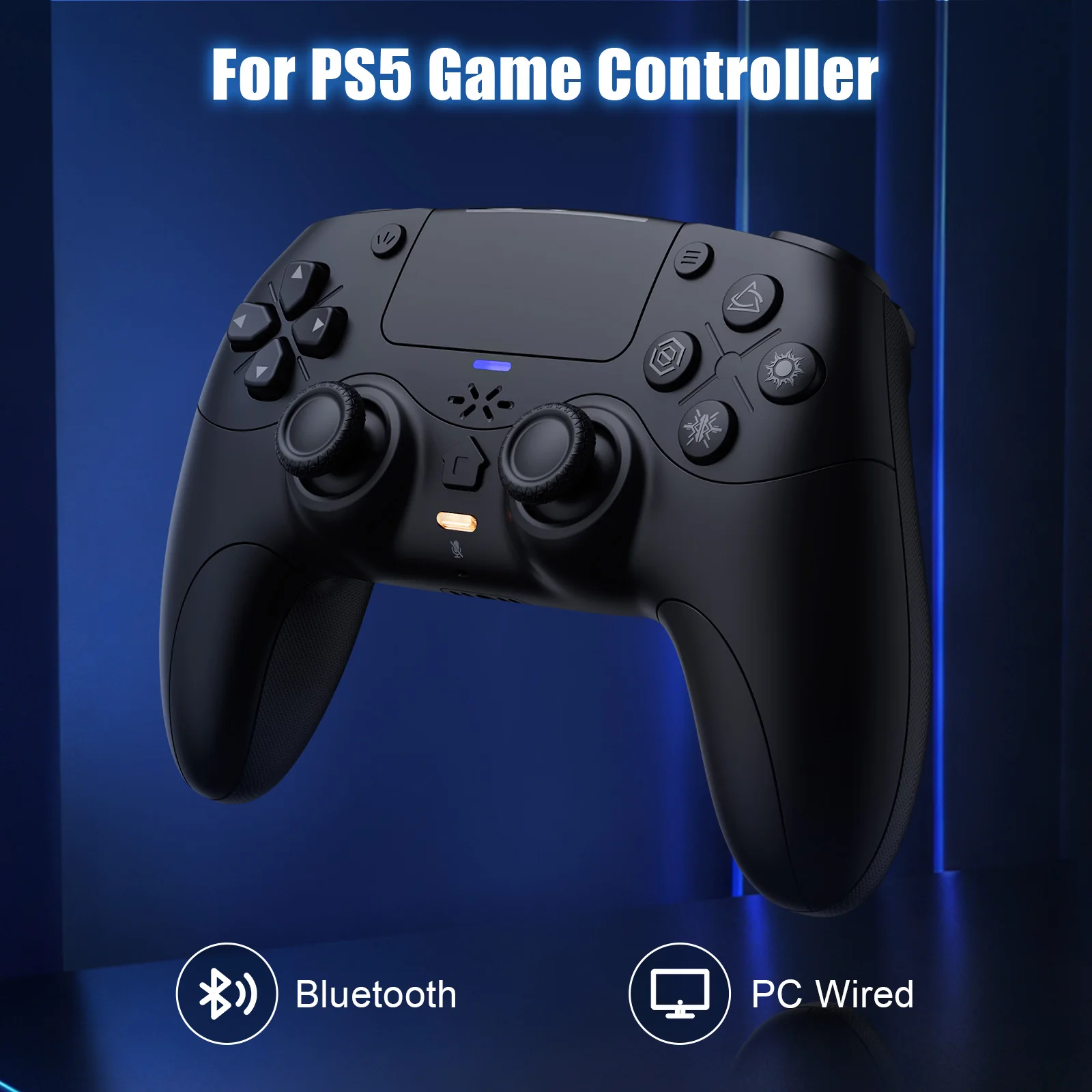
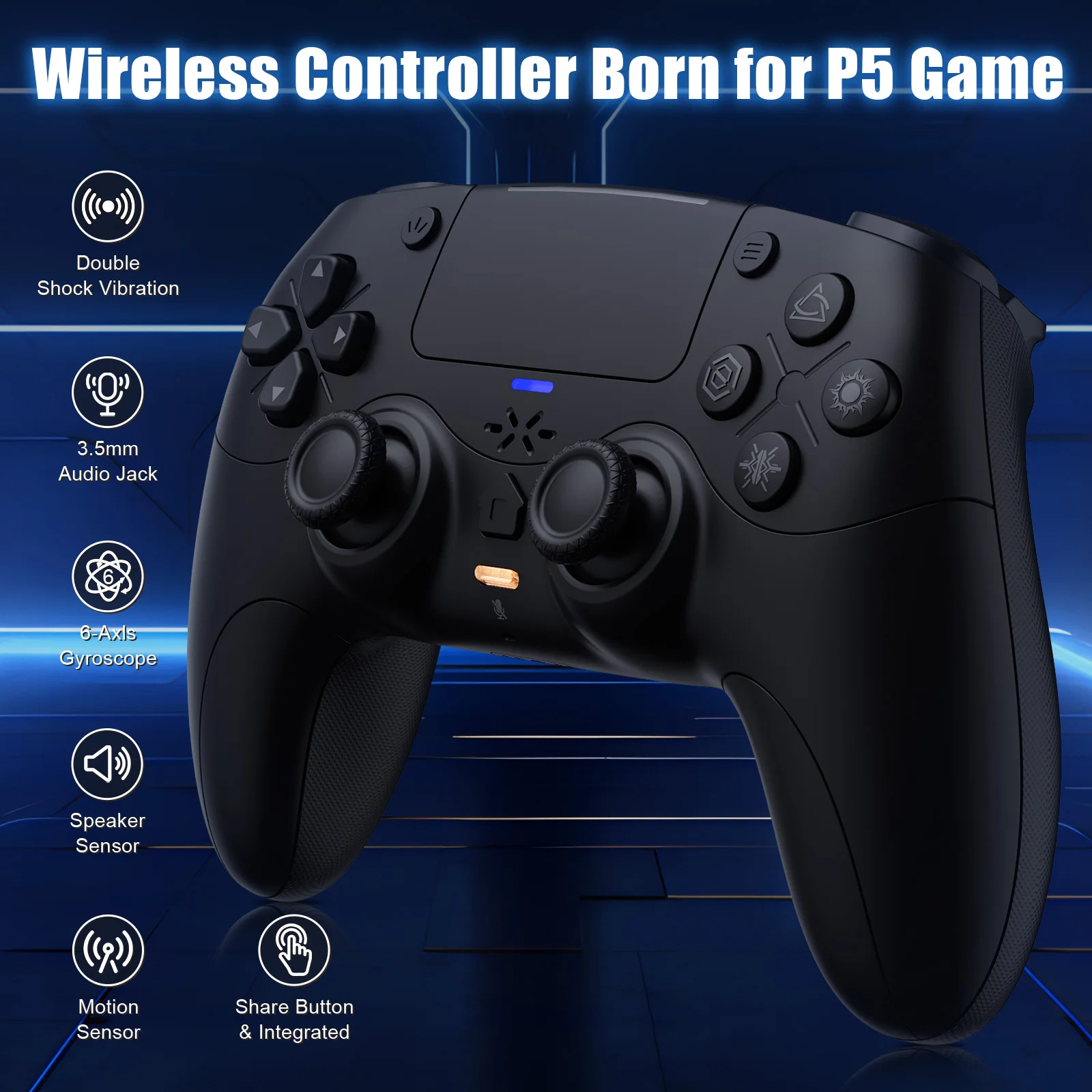
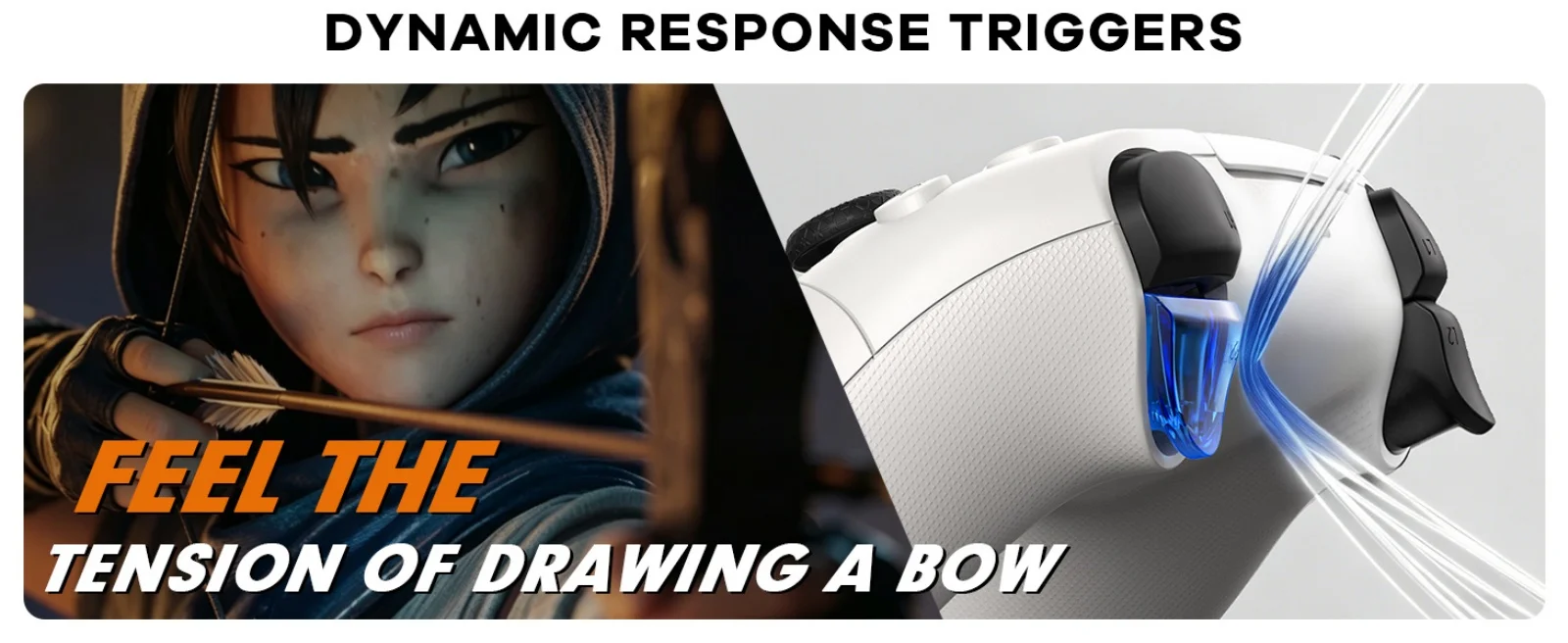
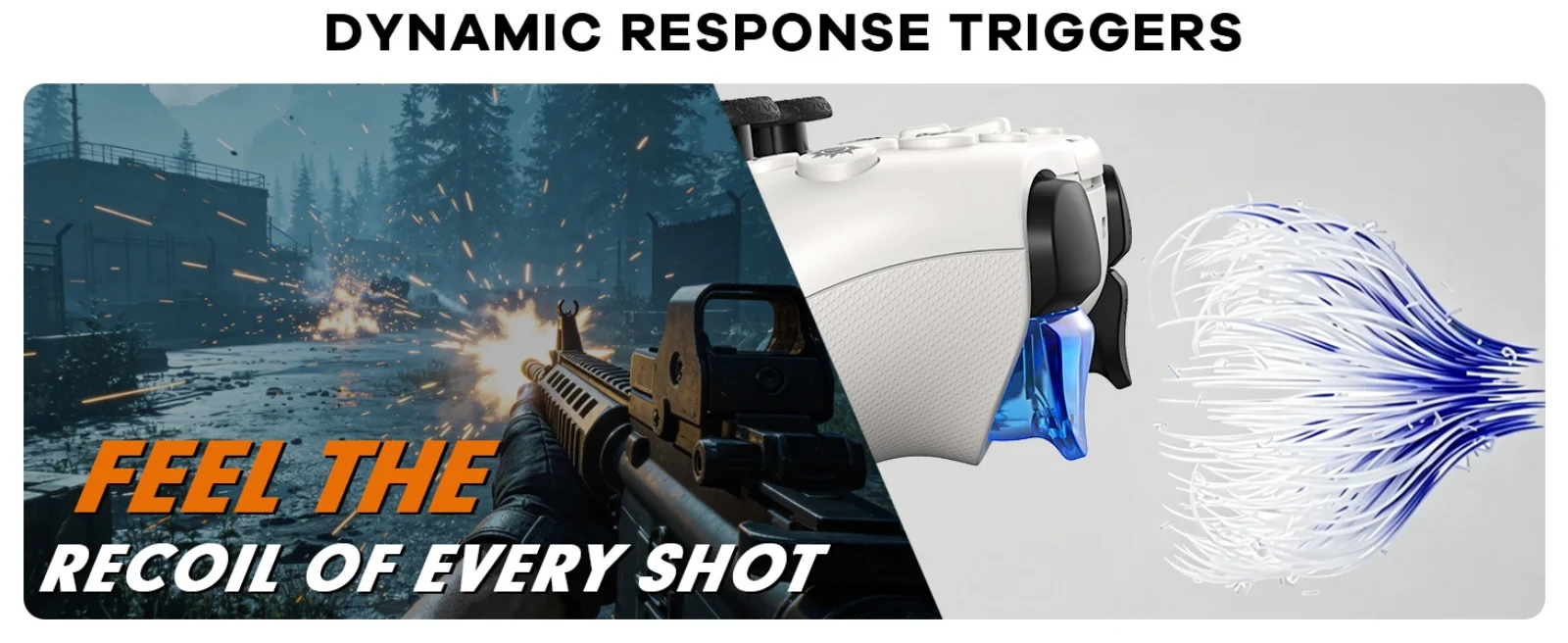
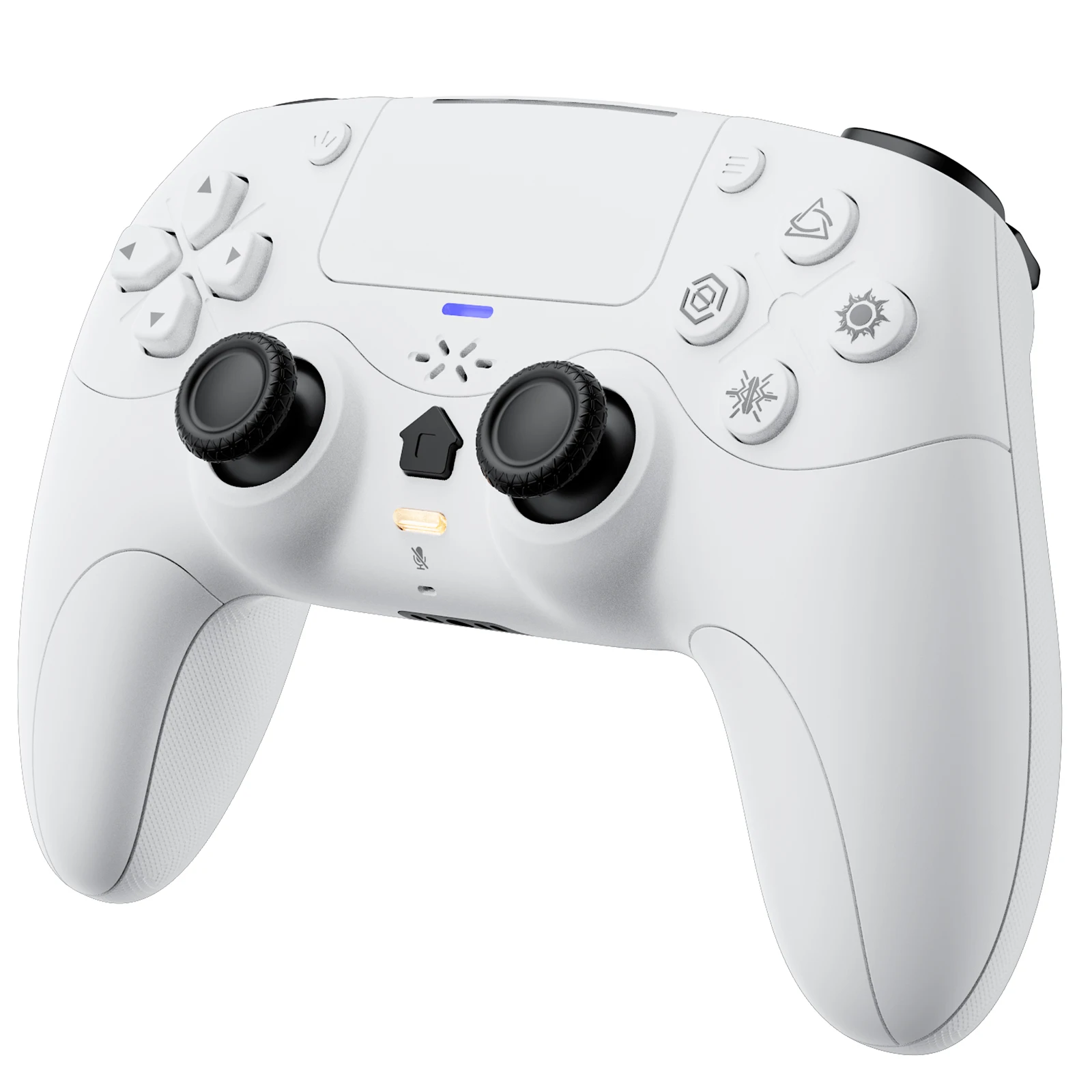
Manette de jeu pour Playstation 5 PS5/PC, contrôleur sans fil avec déclencheurs adaptatifs Rétroaction haptique Double choc Moteur linéaire Contrôle de jeu
White
€59,99
Prix promotionnel
€59,99
Prix régulier
€89,99
Passer aux informations sur le produit

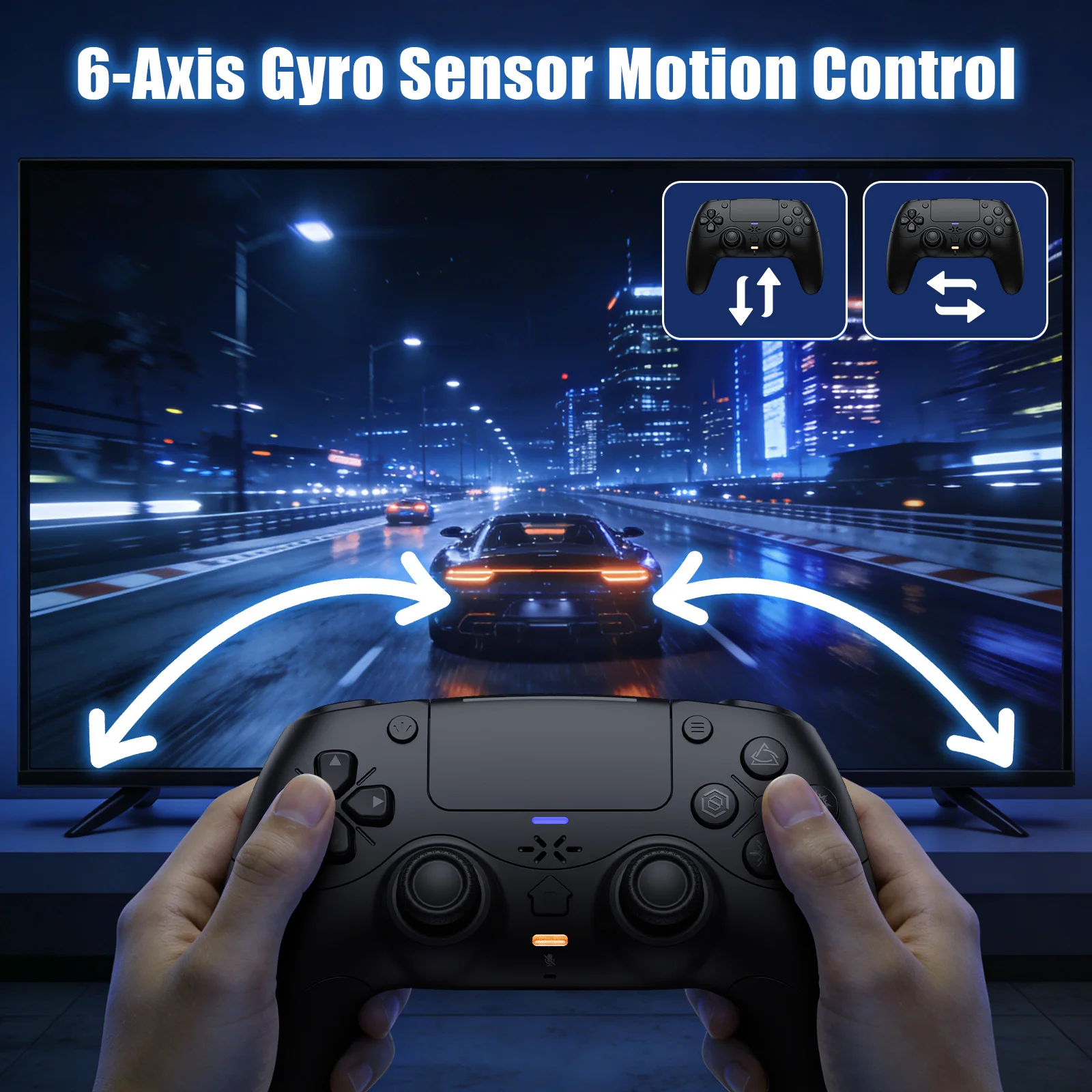
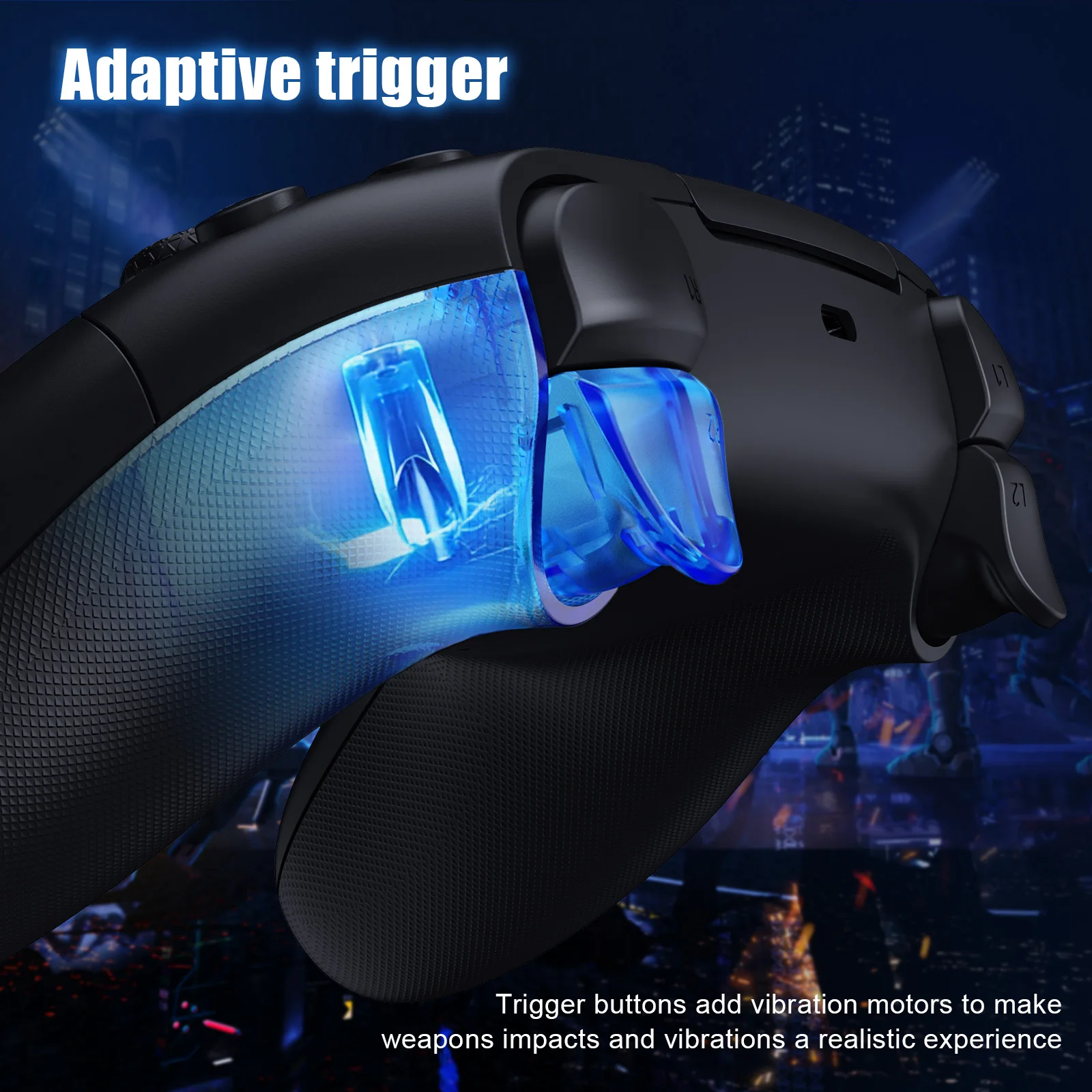
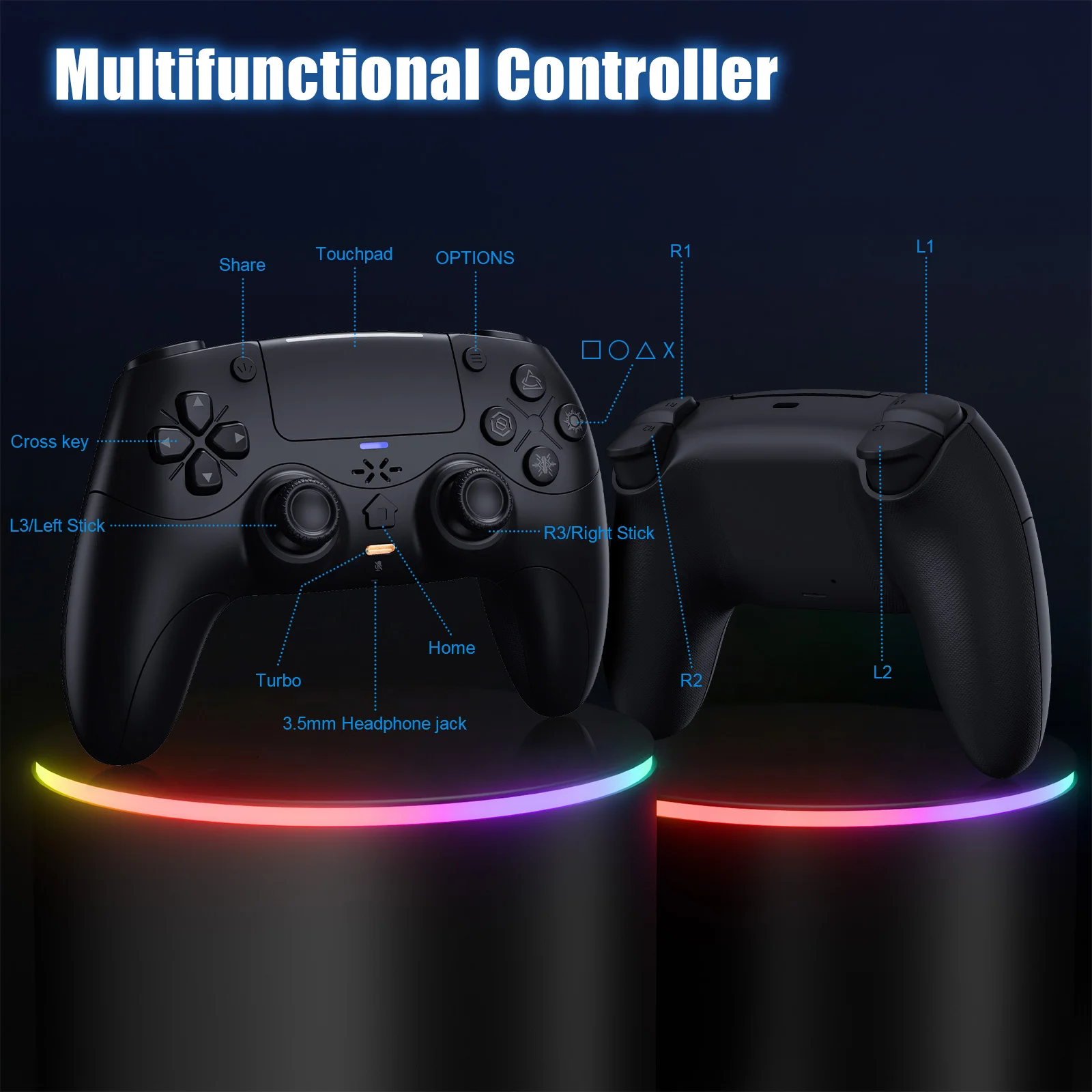





Manette de jeu pour Playstation 5 PS5/PC, contrôleur sans fil avec déclencheurs adaptatifs Rétroaction haptique Double choc Moteur linéaire Contrôle de jeu
€59,99
Prix promotionnel
€59,99
Prix régulier
€89,99
SPÉCIFICATIONS
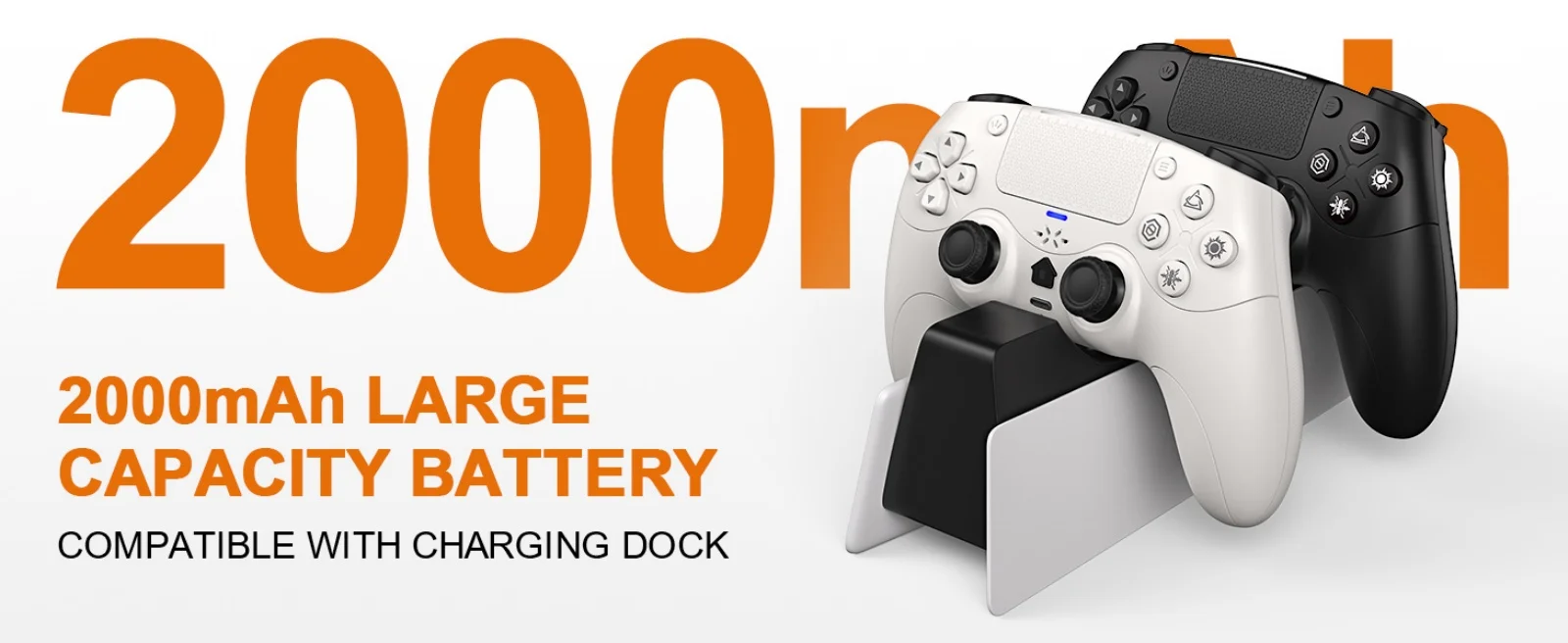
Batterie incluse : Oui
Nom de marque : GAMROMBO
Certification : CE
Marque/modèle compatible : Sony
Plate-forme compatible : PC, vapeur
Modèle Sony compatible : PS5 Slim, PS5 Pro, ps5
Produit chimique très préoccupant : Aucun
Numéro de modèle : RH-5189
Origine : Chine continentale
Paquet : Oui
Type de bouton de déclenchement : linéaire
Type : Manettes de jeu
Méthode de connexion de l'hôte PS-5 :
👉️!!! Remarque : La première fois qu'un nouveau contrôleur se connecte au PS-5, un câble
La connexion est nécessaire.
1. Lorsque le contrôleur est éteint, connectez-le au PS-5 via un câble USB, puis appuyez sur le "bouton PS" pour vous connecter au PS-5.
2. Lorsque la connexion filaire est réussie, déconnectez le câble USB et appuyez sur le bouton "PS" pour vous connecter au PS-5 sans fil.
PC Wired Connection:
👋1.Power on the PC
2.The controller connects to the computer via a USB-C cable.
Note:
1. Connect the controller to your computer via USB cable. The computer will automatically install the driver. The controller supports both PS-5 wired audio and
X-input modes. After connecting via USB wired connection, it defaults to PS-5 wired audio. Press and hold the + button for 3 seconds to switch to X-input mode.
X-input modes. After connecting via USB wired connection, it defaults to PS-5 wired audio. Press and hold the + button for 3 seconds to switch to X-input mode.
2. PC display names:
PS-5 Wired: DualSenes Wireless Controller --- Light is blue
X-input: PS-5 Controller for Windows --- Light is green
Bluetooth Connection:
For PC/iOS/MAC and Steam Deck
🎮️1.Turn on Bluetooth on the PC.
2. With the controller powered off, first press and hold this button, then press the PS combination button ( +PS) for 3 seconds. The indicator light will flash, and the controller will enter pairing mode. Then release the button.
3.Search for Bluetooth "DualSenes Wireless Controller" and click to connect.
4.The controller supports Apple devices with iOS13.0 and above; the Mac platform supportswired connection and wired audio functionality.
5.Steam Deck supports wired connections and wired audio functionality (when connected to Steam Deck in PC mode, the mode can be switched).
6.A Type-C to USB adapter cable is required for wired connection between MAC and Steam Deck.
Mute Function:
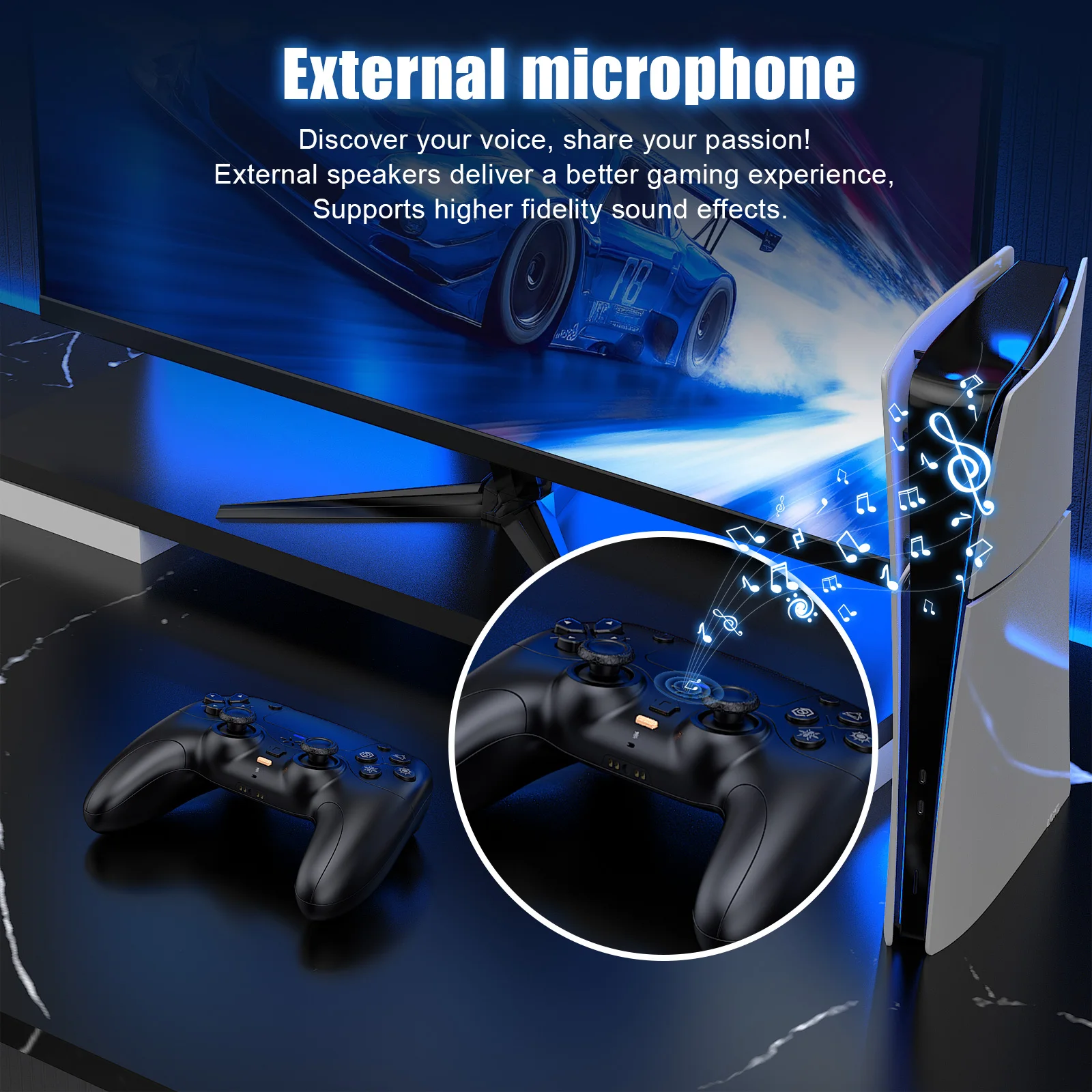
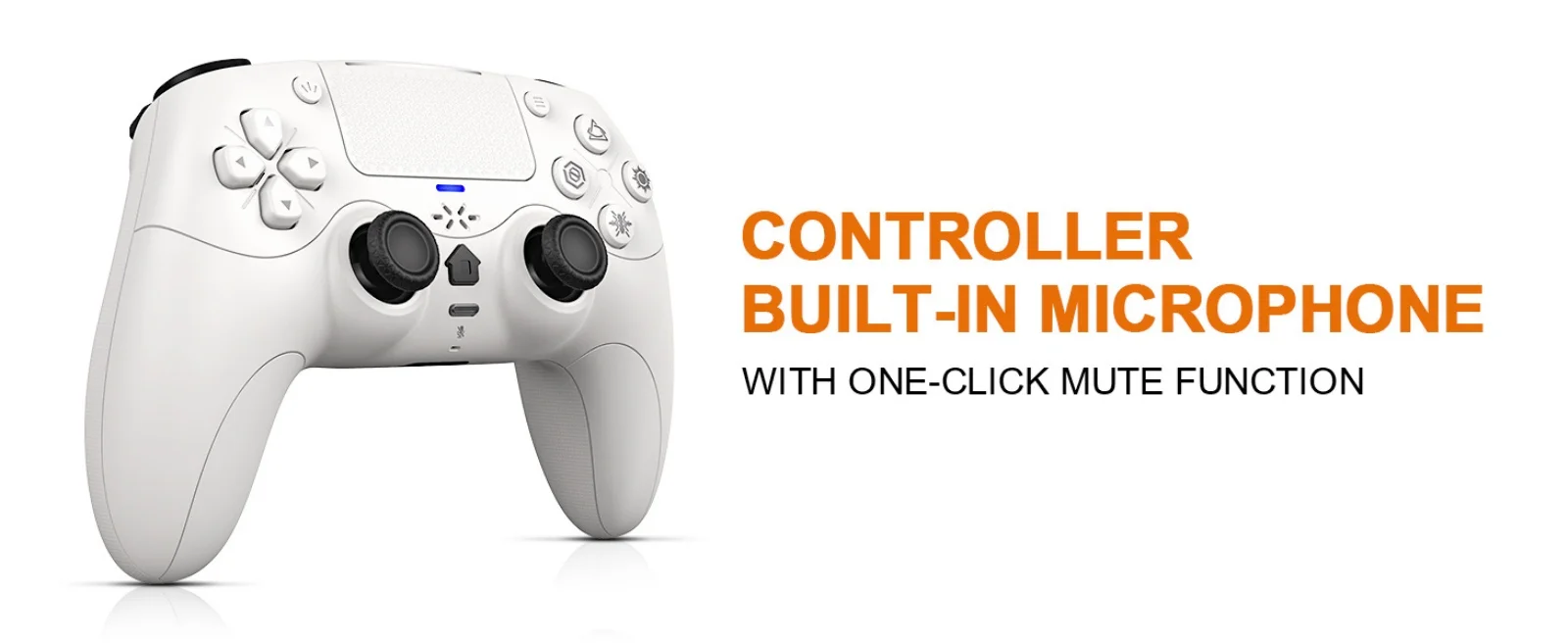
1. Briefly press the mute button; the mute indicator light will remain on, indicating that the controller's microphone is muted.
2. Press and hold the mute button; the mute indicator light will flash in a cycle, indicating that all audio (including vibration) from the controller is muted.
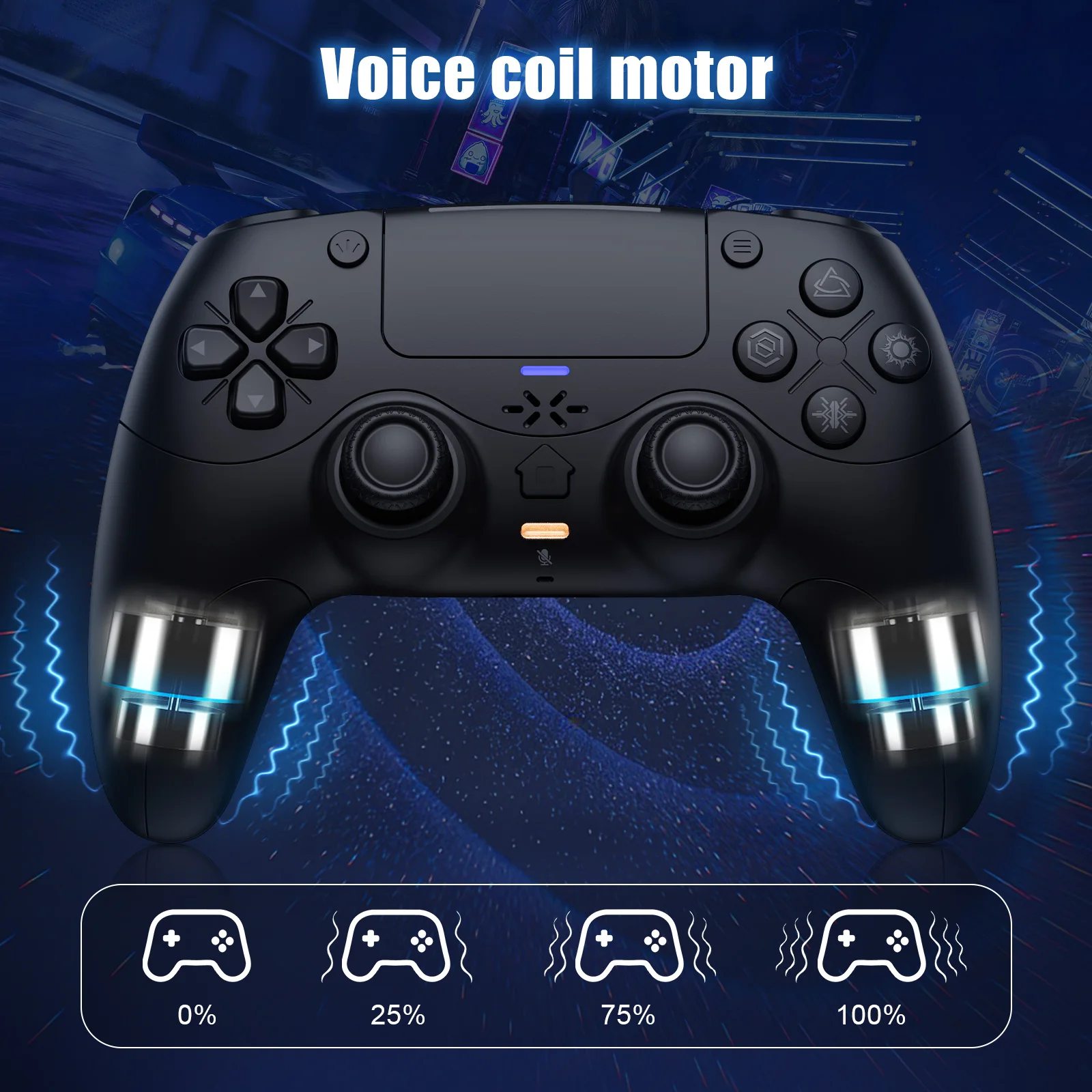
Linear Motors:
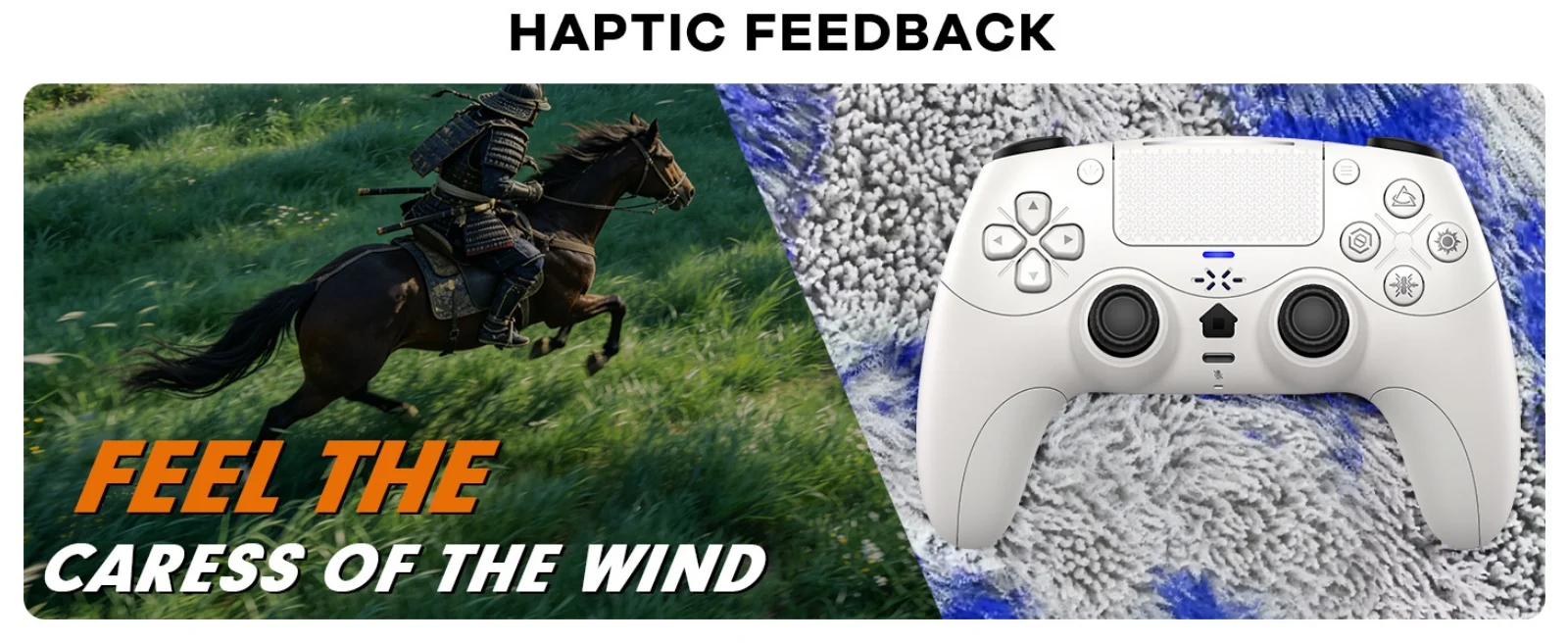
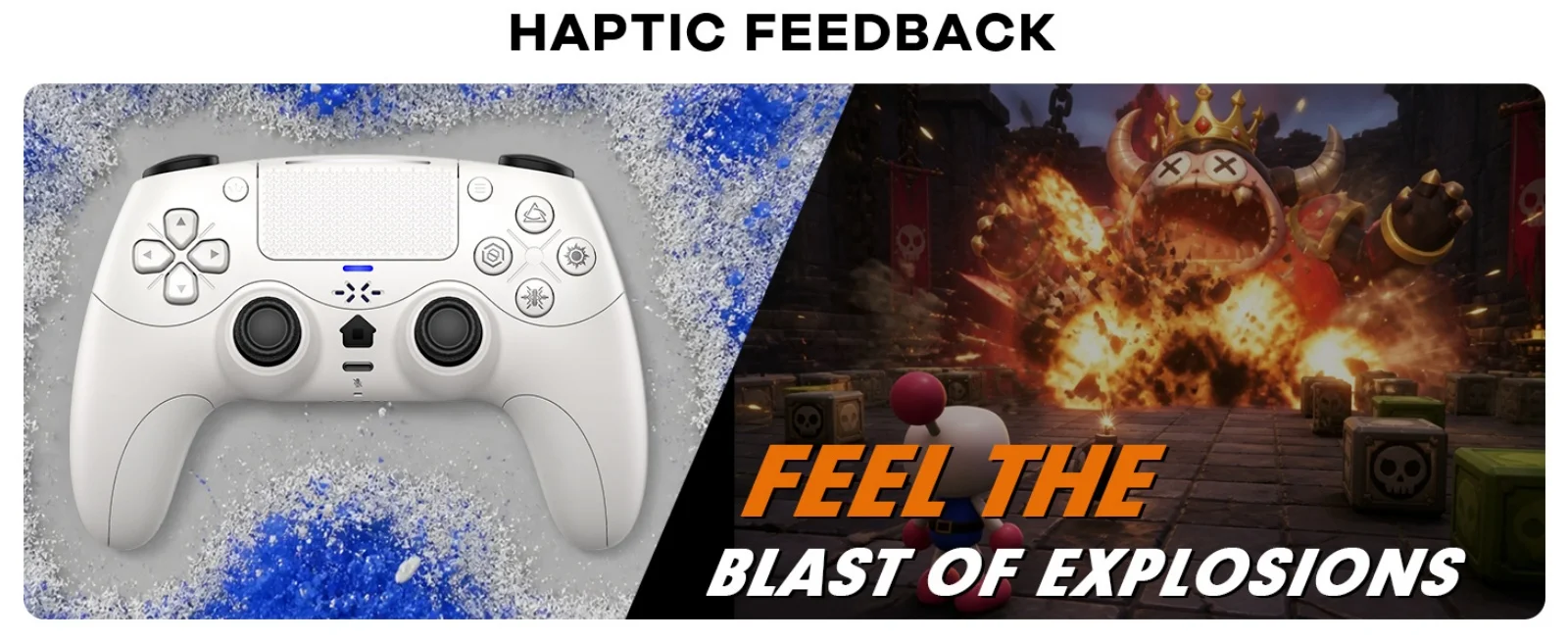
This controller features a linear motor that generates vibrations ranging from extremely weak to strong, adapting to different gaming scenarios and providing users with a better experience.
Triggers and 3D Joystick Calibration:
1.Hold the buttons,then use the USB cable and power on.The Home button will flash quickly.
2. Press L2/R2 triggers 2 - 3 times, rotate those two 3D joysticks 2 - 3 circles each.
Then long -press X key for 1 second to confirm. The Home key will stay on.
Calibration is done; power off to save.